
Database diagrams editor
Instantly visualize your database schema with a single query. No installations, no database passwords required. Experience seamless database design in your browser.
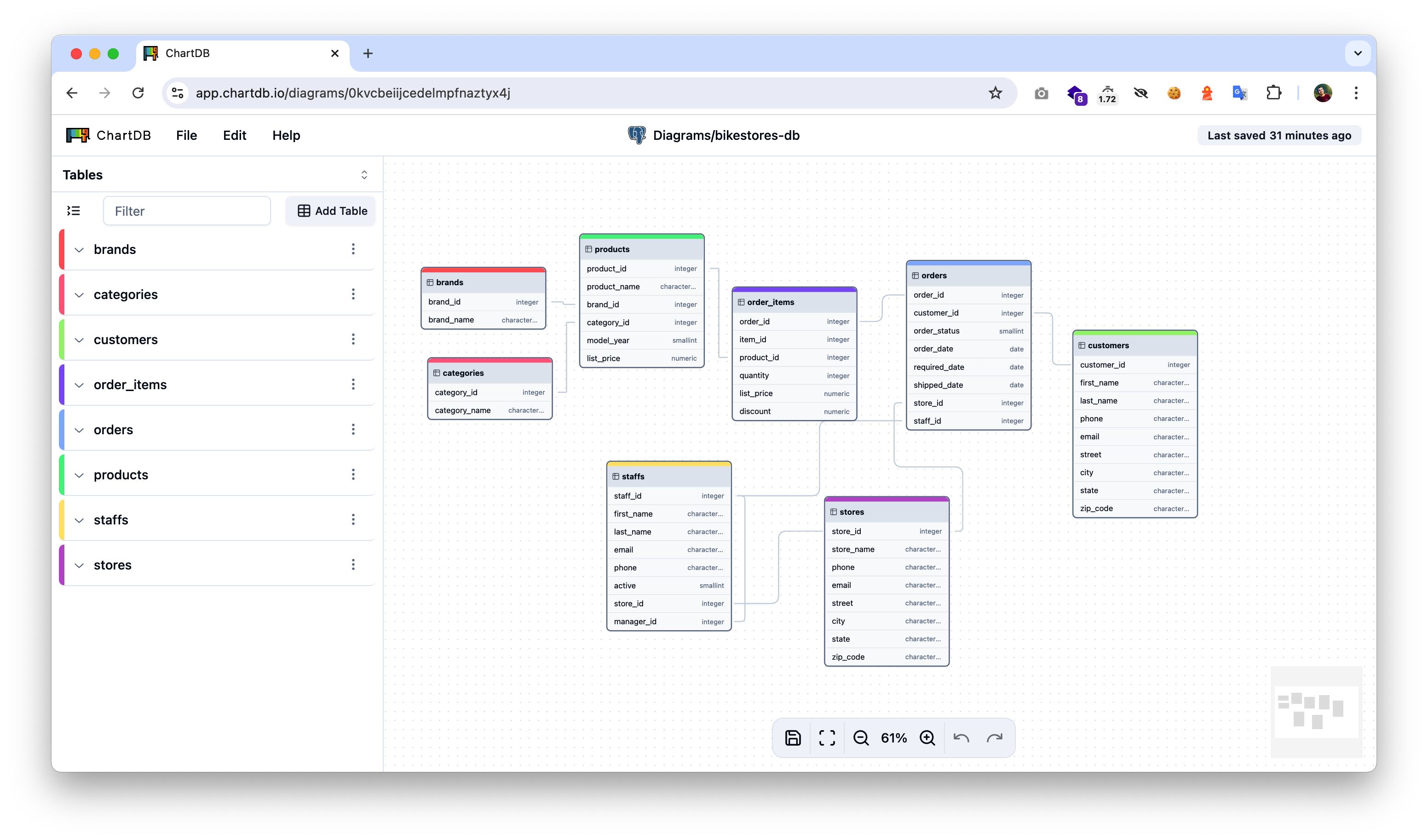
Get started in seconds
Follow these steps to visualize your database schema with ChartDB
Choose your database
Run the Smart Query
Paste the results
Key features
Everything you need to visualize, design, and migrate database schemas
Instant Schema Import
Visual Editor
9 Database Types
AI-Powered Migration
Multiple Import Methods
Template Library
Explore by topic
Deep dive into specific areas of ChartDB
Interactive Canvas
Learn how to use the visual editor to create and modify database diagrams with tables, relationships, areas, and notes.
Managing Relationships
Create and edit foreign key relationships with custom cardinality, update rules, and delete cascades.
Export & Share
Export your diagrams as SQL DDL scripts, DBML files, PNG images, or share via URL for collaboration.
Self-Hosting
Deploy ChartDB on your own infrastructure with Docker. Configure AI features with your OpenAI API key.
Community & support
Get help and connect with other ChartDB users
Discord Community
GitHub Issues
Contributing
Twitter Updates
Ready to visualize your database?
Get started with ChartDB today. No account required, no installations needed.